
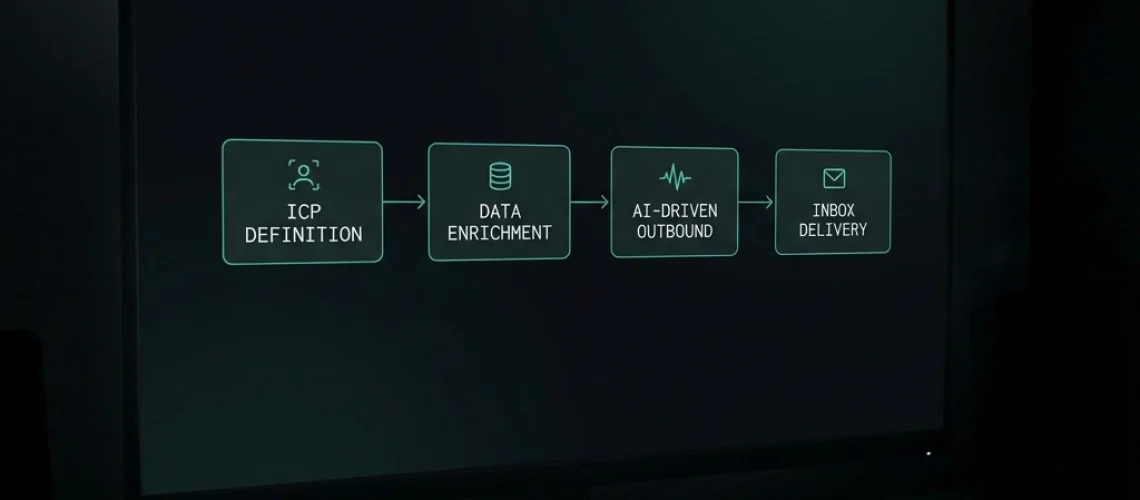
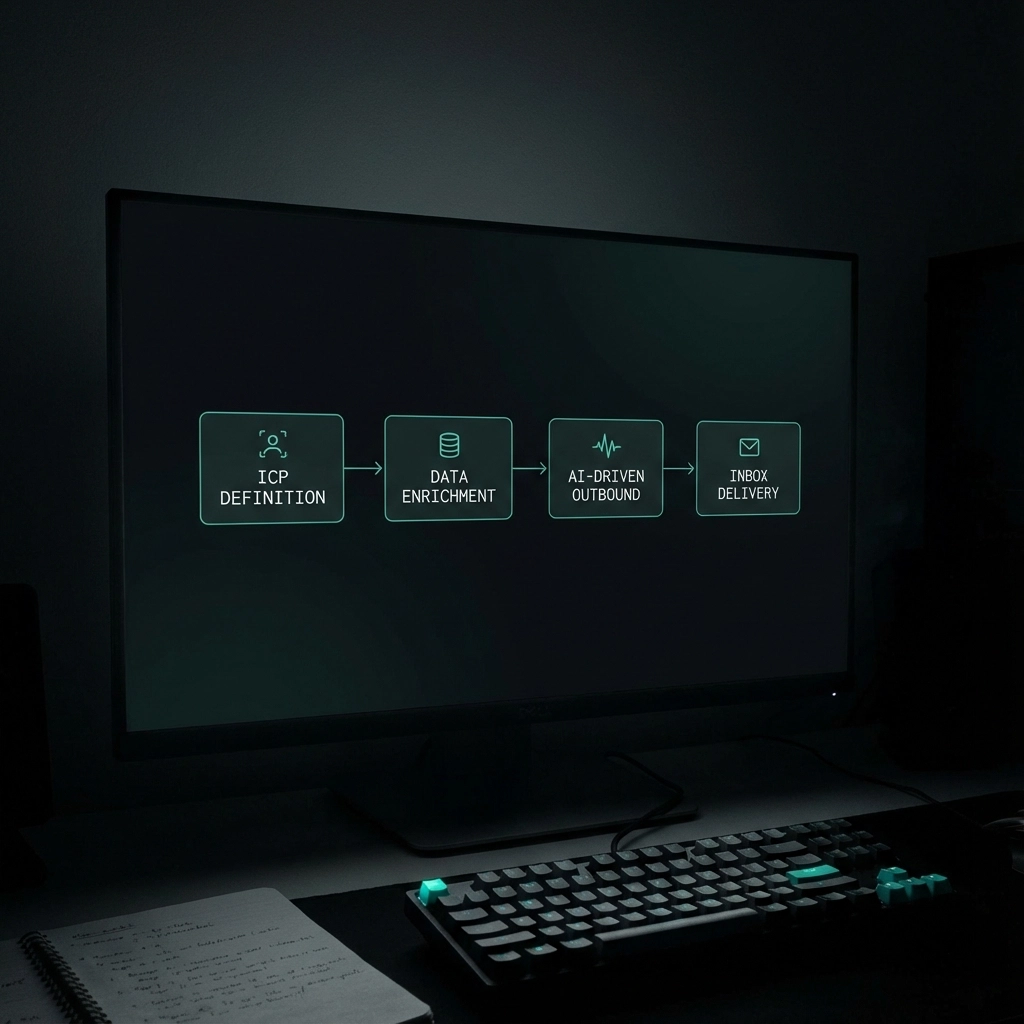
You've been putting off outbound for months. Your runway is getting shorter. Your co-founder keeps asking about pipeline. And every "expert" tells you launching AI-driven outbound takes 4-6 weeks of prep work. Here's the truth: if you're methodical about it, you can have quality emails hitting inboxes in seven days. Not spray-and-pray volume, but research-backed messages that actually get replies.
Day 1: Define Your ICP (Stop Guessing Who You're Targeting)
Most founders skip this step because it feels like homework. Big mistake. Without a laser-focused Ideal Customer Profile, you're just paying to annoy random people.
Your ICP needs four components: firmographics (company size, industry, revenue range), technographics (what tools they use), buyer personas (job titles with actual budget authority), and pain points (specific problems they lose sleep over).
Don't write "SMB SaaS companies need better sales tools." Write "Series A SaaS companies with 20-100 employees, using Salesforce or HubSpot, where the VP Sales or CRO is struggling with 60+ day sales cycles and missing quarterly targets by 15-20%."
Spend 2-3 hours on this. Interview your best customers. Look at your churned accounts. What patterns emerge? The tighter your ICP, the higher your reply rates.
Day 2: Build Your List (Quality Over Quantity Every Time)
Use tools like Apollo, ZoomInfo, or Clay to find prospects matching your ICP. But here's what nobody tells you: data quality matters more than data volume. A list of 500 perfectly matched prospects beats 5,000 random emails.
Validate every email address. Use tools like NeverBounce or ZeroBounce. Keep your bounce rate under 1%. One bad list can destroy your domain reputation for months.
Set up multiple email accounts now. You'll need them for Day 5. Most teams use 3-5 Gmail or Outlook accounts for starter volumes. Connect them to your sending platform but don't send anything yet.

Day 3: Write Messages That Don't Sound Like AI (Because They're Not)
This is where most AI outbound fails. People write one template, feed it to AI, and blast 10,000 variations. The result? Messages that sound like a robot trying to be human.
Here's a better framework: Signal + Pain + Outcome. "I noticed [specific signal about their company]. That usually means [tactical pain they're feeling], which makes it harder to [strategic goal they care about]. We help teams like yours [specific outcome]."
Example: "I saw you just raised Series A and hired three new AEs. That usually means pipeline pressure is real, which makes it harder to hit your growth targets. We help teams like yours turn research into booked demos without burning through domains."
Write 2-3 core message templates. Keep them under 75 words. Yes, really. Nobody reads long cold emails.
Day 4: Set Up Your AI-Driven Outbound Infrastructure
Now comes the technical setup. Connect your validated email accounts to your outbound platform. Set conservative sending limits: never exceed 30 emails per day per account.
Configure your sending windows for 8:30-10:30 AM in your prospects' time zones. Add random delays between sends (60-120 seconds) so you don't look like a bot.
Set up sequences, not single emails. A good sequence: Initial email, wait 4 days, send follow-up, wait 1 week, send final touch. Three emails maximum. More than that and you're spamming.
Most importantly: enable Human-in-the-Loop mode. You approve every email before it sends. This isn't a limitation; it's your secret weapon. You catch AI mistakes, add personal touches, and maintain quality control.
Day 5: Handle the Domain Risk Objection (Because It's Real)
Let's address what you're thinking: "Won't AI outbound destroy my domain reputation?"
Yes, if you're an idiot about it. No, if you're smart.
The danger isn't AI: it's volume without quality. Traditional "SDR in a box" tools send 500+ emails per day with 0.2% reply rates. That's spam, whether human or AI sends it.
Your approach is different. You're sending 30-50 highly researched emails per day with 5%+ reply rates. Gmail and Outlook reward engagement, not volume.
Start your email warmup process now, even though you won't send campaigns until Day 7. Use a warmup service like Instantly or Lemwarm. This builds your sender reputation gradually.
Monitor your deliverability obsessively. Check where your emails land: primary inbox, promotions tab, or spam. If they're not hitting the primary inbox, pause and diagnose before you burn anything.
Day 6: Test Everything (Before You Go Live)
Send test emails to your own Gmail and Outlook accounts. Check deliverability across different providers. Your emails should land in the primary inbox, not promotions or spam.
Test your sequences with a small batch: maybe 20-30 prospects from your warmest segment. These are people who match your ICP perfectly and might actually want what you're selling.
Set up your tracking and reply management. Most platforms offer AI reply classification (interested, not interested, out of office). Configure it to pause sequences when someone replies, so you don't send follow-ups to people who already responded.
Create a simple dashboard to monitor: emails sent, delivered, opened, replied, and meetings booked. You'll optimize based on these numbers, so track them from day one.
Day 7: Launch (Cautiously) and Monitor Like Your Domain Depends On It
Go live with a small volume: maybe 50 emails on day one. Watch your deliverability like a hawk. Check inbox placement every few hours.
If your emails are landing in spam, stop immediately. Don't "see if it gets better." Fix the issue first: check your email authentication (SPF, DKIM, DMARC), review your message content for spam triggers, and verify your list quality.
If deliverability looks good, gradually increase volume. Add 20-30 emails per day until you hit your target sending rate.
Monitor replies and book meetings immediately. Response time matters. A founder who replies to your cold email at 2 PM expects a response by end of day, not next week.
The First Week Reality Check
Most founders expect immediate results. Here's what actually happens: Week one is about infrastructure. Week two is about optimization. Week three is when you start seeing consistent replies and bookings.
Your target metrics: 40%+ open rates, 5%+ reply rates, 1% meeting booked rate. If you're hitting those numbers by week three, you're doing better than 90% of outbound programs.
The key difference between successful AI-driven outbound and spam? Human oversight at every step. You define the ICP, you approve the messages, you monitor the metrics. AI handles the research and scheduling, not the strategy.
Most founders spend months "getting ready" for outbound while their runway burns. This playbook gives you a different path: seven days from ICP to inbox, with quality controls that protect your domain and actually get replies. Book a demo to see how other founders are launching AI-driven outbound without the typical risks.